What Is a Monotonic Clock and When Should You Use It?
A monotonic clock moves forward independently of wall-clock corrections. Learn why software uses it for durations, timeouts, and performance timing.
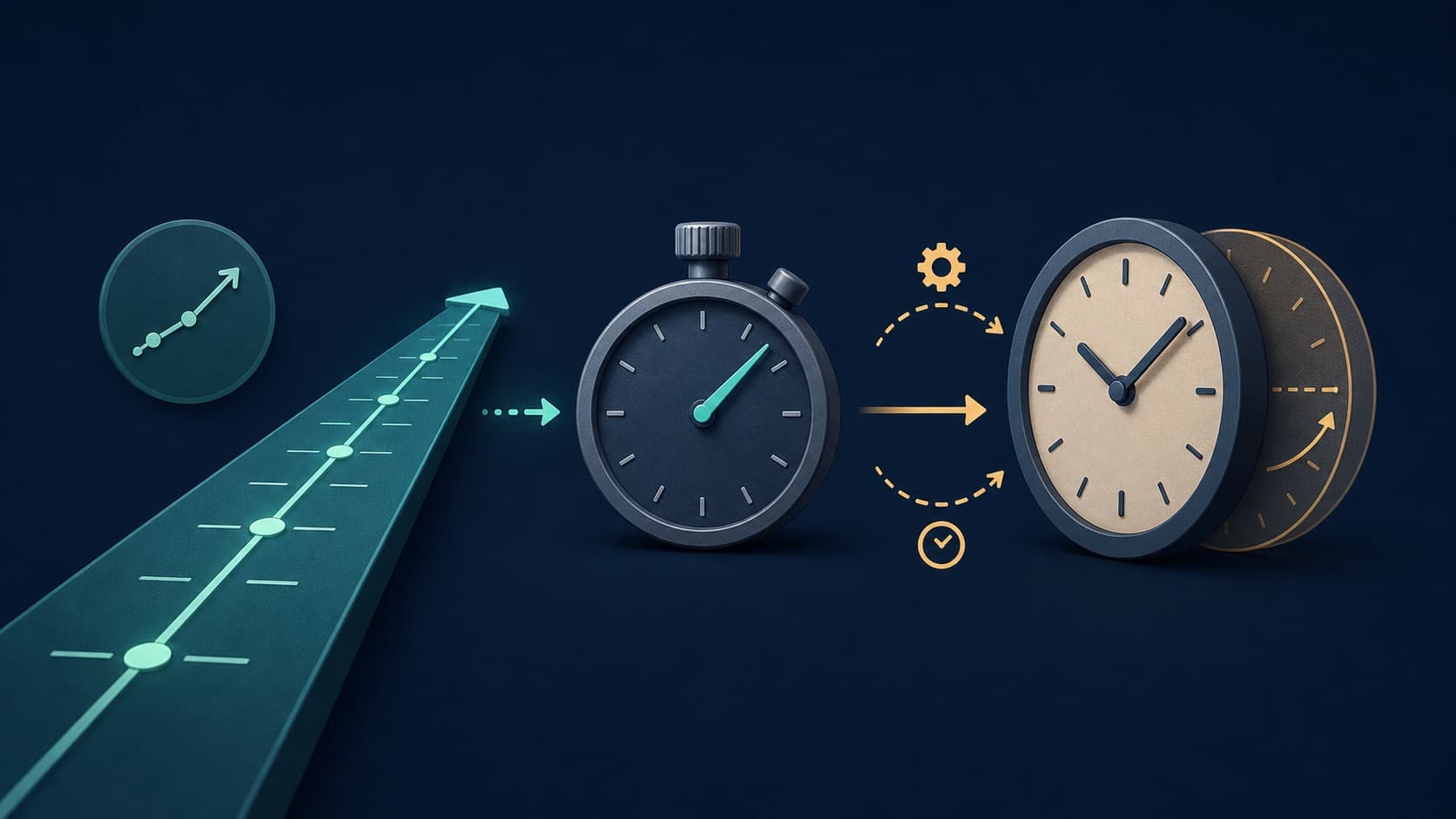
A monotonic clock is a software time source intended to move forward at a steady rate. It is used to measure elapsed time, timeouts, and performance because it does not follow ordinary changes to the calendar clock.
Why Wall Time Is Unsafe for Durations
System wall time answers "What time is it?" That answer can change when a user edits the clock, a synchronization service corrects drift, or a time-zone rule changes the display. Subtracting two wall-clock readings can therefore produce the wrong duration.
Imagine a download begins at 1:59:50 and the wall clock is set back one minute before it finishes. A naive subtraction may say the operation took negative time. A monotonic measurement continues forward through the correction.
What Monotonic Means
Monotonic means later readings do not go backward under the clock's defined behavior. It does not necessarily mean perfectly uniform or immune to every platform detail. Some clocks pause while a device sleeps; others include suspend time. The operating system documentation defines which one an application receives.
POSIX exposes CLOCK_MONOTONIC for measuring intervals. Programming languages often wrap a comparable operating-system clock in functions with names such as performance counter, steady clock, or monotonic time.
No Calendar Date
A monotonic value usually starts from an unspecified point such as system boot. A reading of 123456.7 has no direct meaning as a birthday, log date, or UTC timestamp. Only differences between readings are useful.
That design is deliberate. Connecting it to a calendar would reintroduce leap seconds, manual corrections, time zones, and synchronization changes.
Good Uses
- Measure how long a request takes
- Stop a task after a timeout
- Schedule the next animation frame
- Compare algorithm performance
- Enforce retry delays
- Track uptime within the clock's suspend behavior
Use wall time for a receipt date, audit log, appointment, or message timestamp. Some records need both: wall time explains when an event occurred, and monotonic time explains its order or duration within one process.
Deadlines and Reboots
A monotonic deadline usually cannot survive a reboot because the reference point changes. Persist an absolute wall-clock deadline for a job that must run next week. After startup, translate the remaining interval into a monotonic deadline for reliable waiting.
Resolution Is Not Accuracy
A function may return nanosecond units without measuring physical time to nanosecond accuracy. Resolution describes the smallest representable or observable step. Accuracy describes closeness to the intended time scale. Read the platform guarantees before relying on precision printed by an API.
The practical rule is short: calendar questions use wall time; interval questions use monotonic time. That choice prevents an entire class of bugs caused by clocks that legitimately change.
Comparing Values Correctly
Monotonic readings are normally meaningful only within the same clock domain. Values from different machines, processes, or reboots cannot be compared unless the platform explicitly guarantees a shared reference. Sending a raw monotonic deadline over a network is therefore usually a bug.
For a timeout, capture one starting reading and compare later readings from the same API. Avoid converting through floating-point seconds when the API offers integer duration types; long-running services can lose fine resolution as floating-point magnitudes grow.
Sleep and Suspend Behavior
Applications must decide whether a laptop's suspended hour should count. A download timeout may reasonably pause while the process cannot run. An alarm for a real-world deadline should include the suspended interval. Operating systems often expose more than one monotonic-style clock to support those choices.
Test the behavior your application depends on: manually adjust wall time, cross a daylight-saving transition in a controlled environment, suspend and resume, and restart. A timer that survives those tests for the intended semantics is more dependable than one chosen only for its high-resolution name.