Does Unix Time Have a Time Zone? UTC Conversion Explained
Unix time represents one instant without a local time zone. Learn how offsets enter only when a timestamp is displayed or parsed.
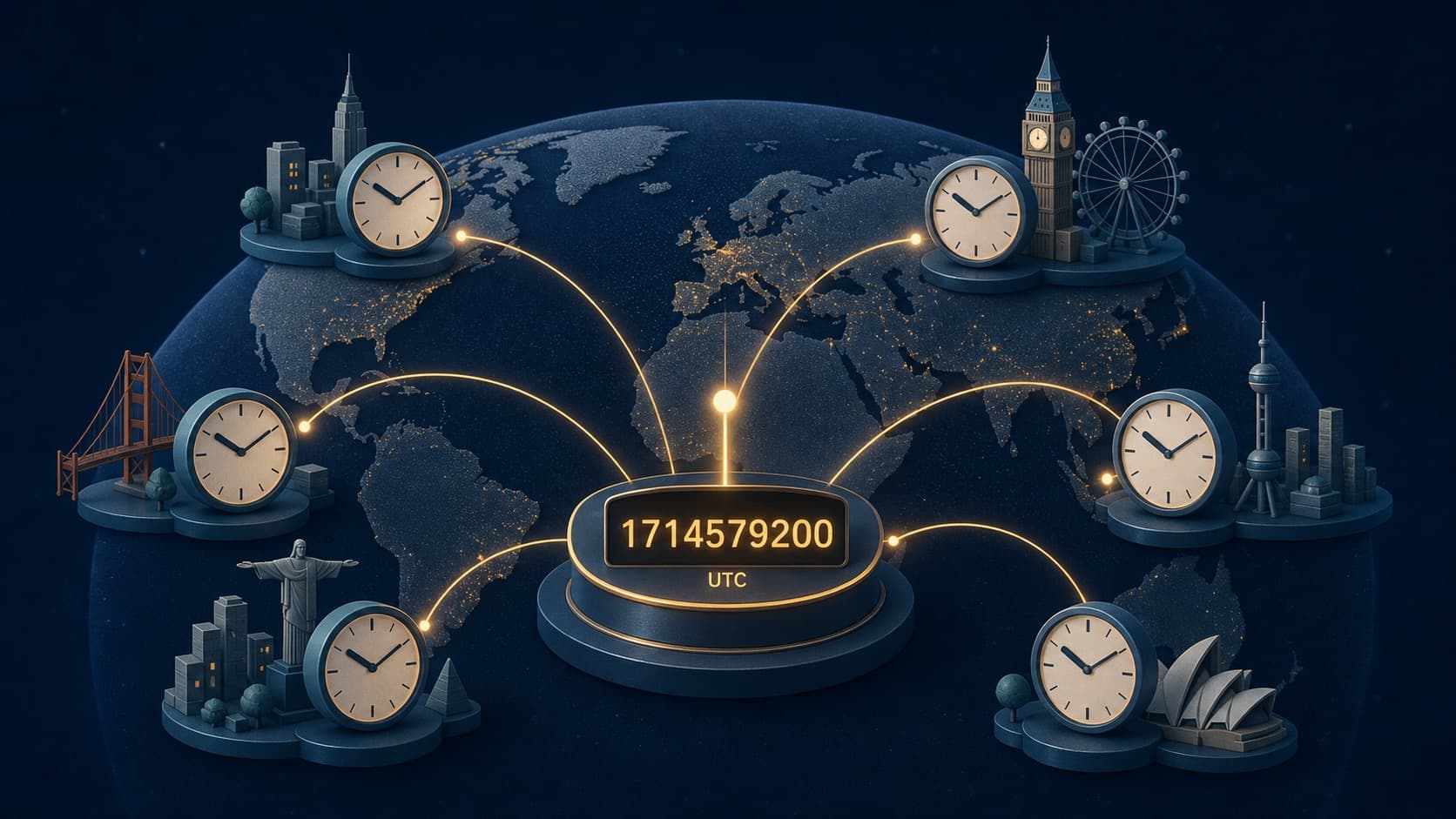
Unix time does not contain a local time zone. It is a numeric count from the Unix epoch, conventionally interpreted against UTC. A time zone enters when software converts that instant into a local calendar date and clock reading.
One Number, Many Displays
The seconds value 0 identifies the Unix epoch: 1970-01-01 00:00:00 UTC. The same instant was 1969-12-31 in time zones west of UTC and already later on January 1 in zones to the east.
The timestamp did not change. Only the representation changed.
Converting to Local Time
The safe sequence is:
1. Confirm the epoch and unit 2. Interpret the timestamp as a UTC instant 3. Select the target named time zone 4. Apply the zone's rule for that date 5. Format the local date and time
For example, a zone may use UTC-05:00 in winter and UTC-04:00 in summer. A named zone selects the right historical offset. A fixed -05:00 offset cannot predict the seasonal change.
Converting Local Time to Unix Time
The reverse direction needs more information. A local reading such as 2026-11-01 01:30 is not enough in a region where clocks fall back. That reading may occur twice with two different offsets.
Provide the named zone and, when necessary, specify which occurrence is intended. During a spring transition, some local readings do not exist at all because the clock jumps forward.
The Double-Offset Bug
A common mistake is to add a local offset to a Unix timestamp and then ask a date library to display the result in that same zone. The offset is applied twice. Pass the original timestamp to the library and choose the display zone separately.
Another mistake is parsing a local date as if it were UTC. The resulting Unix value is shifted by the zone offset even though the formatted string looked correct.
Database and API Practice
Store event instants in a clear UTC-based representation and document whether numeric values use seconds, milliseconds, or another unit. Store the named zone separately when the original local context matters or when a future event must remain at the same wall time.
An offset such as +05:30 identifies the relationship to UTC at one instant. A zone name identifies a collection of historical and future rules. They are related but not interchangeable.
Date-Only Values Are Different
A birthday, billing date, or public holiday may be a calendar date rather than an instant. Converting it to Unix time forces a time and zone that were never part of the fact. Keep date-only data as a date unless the business rule supplies a specific moment.
Unix time is useful precisely because it separates the instant from its display. Preserve that separation until the final formatting step, and time-zone conversion becomes predictable.
Future Appointments Need Extra Context
Suppose a conference is planned for 9:00 AM next July in a city that later changes its daylight-saving law. If the system stores only the Unix timestamp calculated today, the event remains the same instant but may appear at 8:00 or 10:00 local time after the rule update.
If the promise is "9:00 AM in that city," store the local date and time plus the named zone and recalculate the instant under the current rules. If the promise is a global broadcast at one fixed instant, store the instant and let local displays move as rules change.
Testing a Conversion
Use cases near midnight, before and after a daylight-saving transition, a fractional offset such as +05:30, and a pre-1970 value if supported. Confirm that converting an instant to a zone and back returns the original timestamp.
Also test precision. A millisecond value converted through a seconds-only function should either preserve the remainder separately or document that it is lost. A zone conversion must never alter the elapsed timestamp merely to make the displayed clock look right.