What Is System Time? How a Computer Tracks the Current Time
System time is the operating system's current date and time. Learn how it starts, advances, synchronizes, and differs from hardware and monotonic clocks.
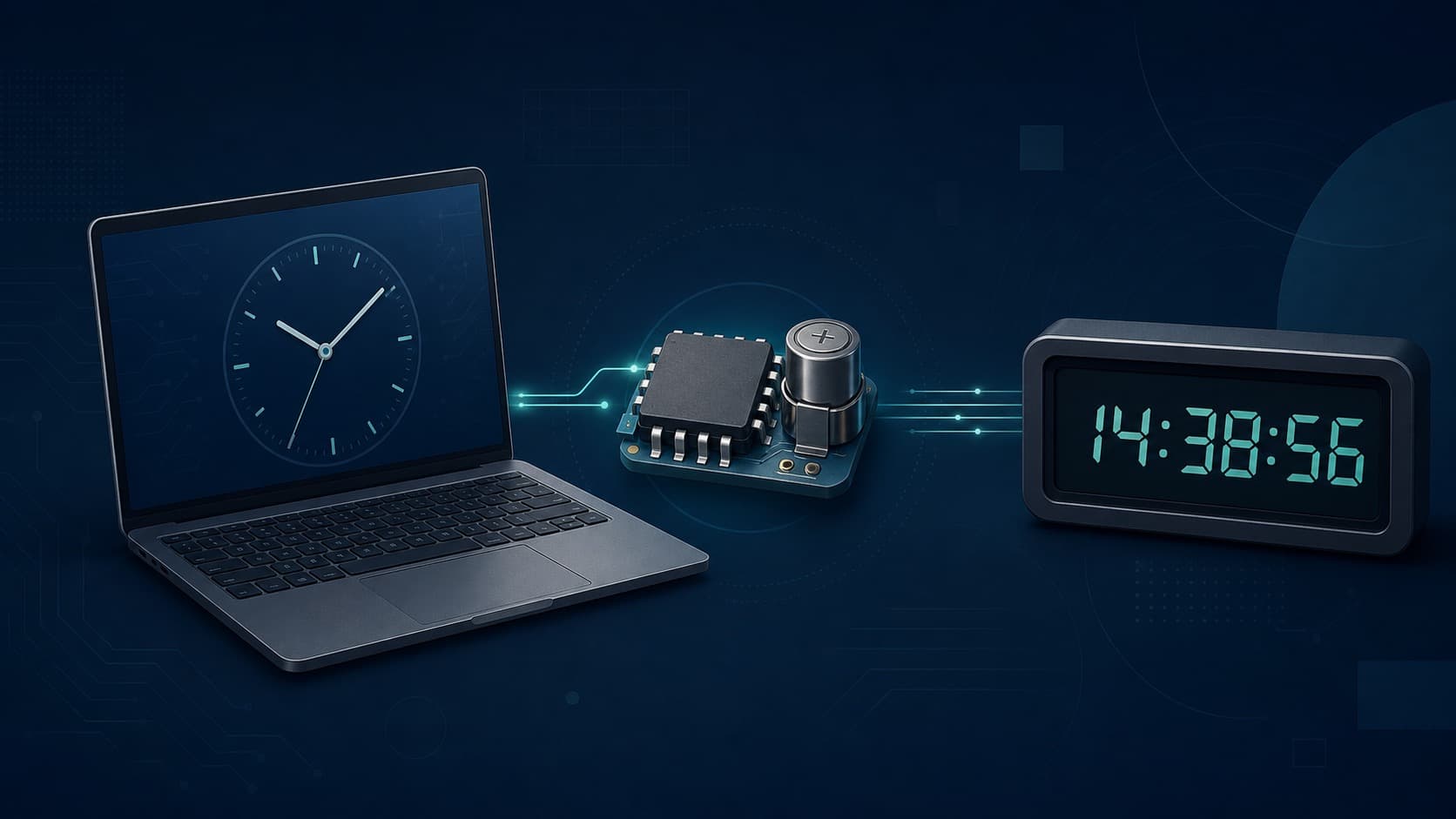
System time is the operating system's current estimate of the date and time. Applications read it when they timestamp a file, schedule an alert, validate a certificate, or display the clock in the menu bar. It looks like one value, but several layers cooperate to produce it.
Where System Time Begins
When a computer starts, its firmware normally reads a battery-backed real-time clock. That hardware clock gives the operating system a reasonable starting date even if the machine has been disconnected from power and the internet.
Once the operating system is running, it maintains a software clock using a hardware timer. The clock advances by counting regular timer events rather than asking the real-time clock for every second. On a connected machine, a time synchronization service later compares that estimate with network time sources and corrects any drift.
The sequence is therefore:
- The RTC preserves a starting date during shutdown
- Firmware exposes that date at startup
- The operating system advances its system clock
- Network synchronization checks and corrects the result
- The time-zone database converts the instant for local display
System Time Is Not the Same as Local Time
A system can hold a current instant and display it in many time zones. If two people view the same event in New York and Tokyo, the wall-clock readings differ, but the event did not happen twice.
Operating systems commonly keep an internal representation related to UTC and apply a zone rule for display. The exact internal representation varies. Unix-like systems often use seconds and fractions from the Unix epoch, while other platforms use different epochs and units.
Changing the selected time zone should change the displayed clock, not the underlying instant. Manually changing the date or time changes the system's estimate of the instant itself.
Why the Clock Drifts
Computer oscillators are inexpensive and sensitive to temperature, age, and manufacturing variation. A tiny frequency error becomes a noticeable difference after enough time. Heavy system load and virtualization can also affect how software observes timer events.
NIST's Internet Time Service distributes its estimate of UTC to computers through protocols including NTP. A client compares its clock with one or more servers and can make gradual corrections. Network delay limits what a client can know from a single exchange, so good implementations take several measurements.
What Happens When System Time Changes
Wall time can jump. A user may edit it, a synchronization service may correct a large error, or a daylight-saving transition may change the local display. These adjustments matter to software.
Suppose a task starts at 1:59:58 and the system clock is set back one minute. Subtracting the start wall time from the finish wall time could produce a negative duration. Programs avoid that problem by measuring intervals with a monotonic clock, which is designed not to follow ordinary wall-clock corrections.
Use system time for questions such as "What date was this file saved?" Use a monotonic clock for "How long did this operation take?"
Common Signs of Bad System Time
- Secure websites report certificates as expired or not yet valid
- Messages and log entries appear out of order
- Scheduled jobs run early, late, or not at all
- Cloud files show surprising modification dates
- Authentication codes fail because server and client disagree
An error of exact whole hours usually points to the time zone. A slowly increasing difference suggests clock drift or failed synchronization. A date that resets after power loss suggests the RTC battery.
A Useful Mental Model
Treat system time as an estimate maintained by software, not a perfect signal built into the computer. Hardware supplies continuity, network sources supply calibration, and time-zone rules supply the human-readable display. Each layer can be correct or wrong independently, which is why diagnosing the pattern of an error works better than repeatedly setting the clock by hand.
System Time and Leap Seconds
UTC occasionally needs a leap-second adjustment to remain close to Earth's irregular rotation. Operating systems and services do not all expose that event in the same way. Some step the clock, some smear the extra second across a longer interval, and many applications never represent a visible second numbered 60.
This is another reason a timestamp's time scale and source matter. Two systems can print the same precision while following slightly different correction policies. Ordinary scheduling rarely notices, but distributed measurements and scientific records should document the clock and synchronization method used.