What Is a Real-Time Clock (RTC) in a Computer?
Understand the battery-backed clock chip that maintains date and time while a computer is powered off.
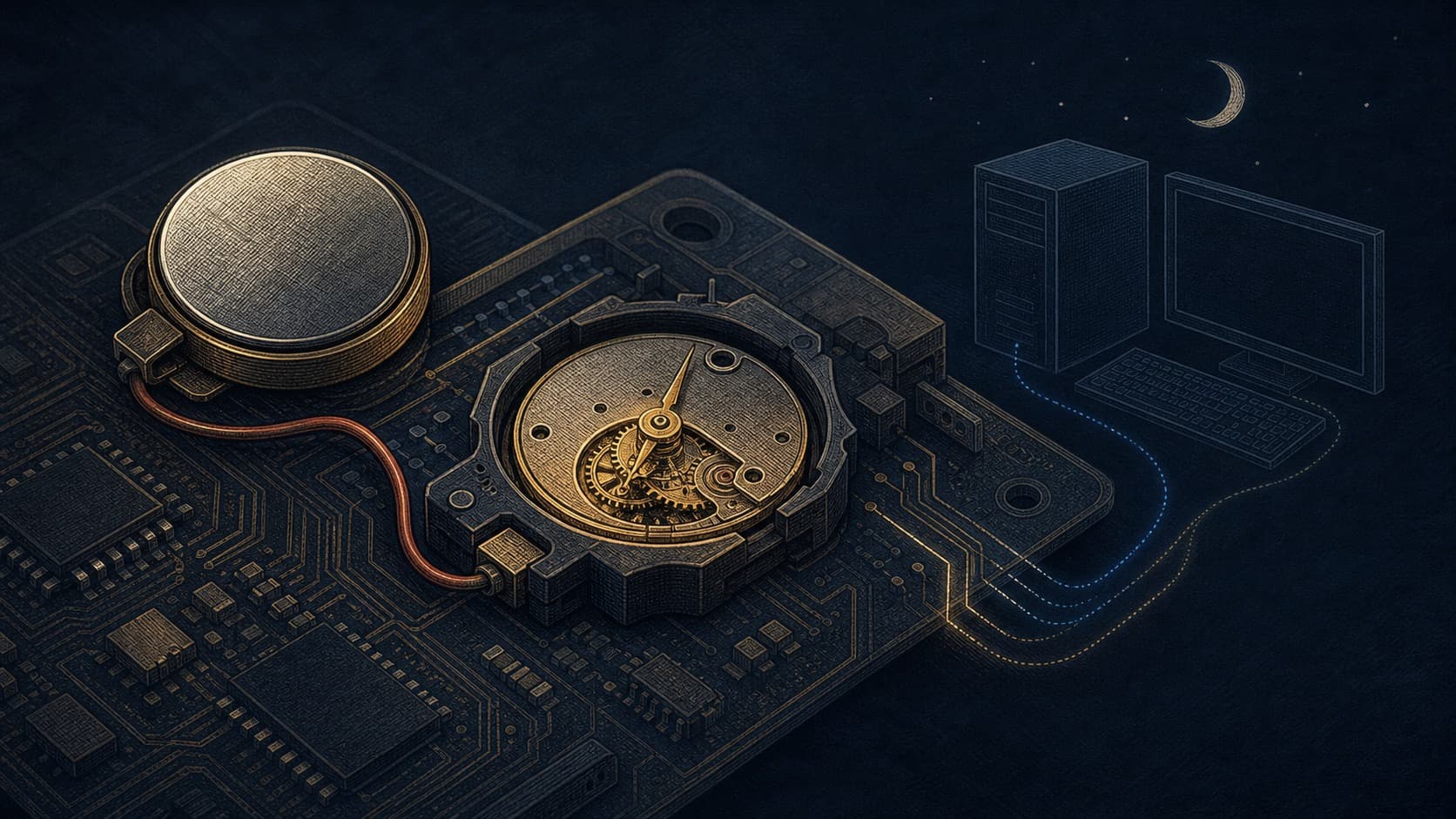
A real-time clock, or RTC, is a small hardware clock that keeps track of date and time even while a computer is shut down. It is not the same thing as the operating system clock, although the two work together.
What the RTC Does
When power returns, firmware reads the RTC to obtain an initial date and time. The operating system then maintains its own software clock while the machine runs. Later, network synchronization can refine that time against external sources.
Why It Has a Battery
The RTC needs a tiny amount of power during shutdown. Desktop motherboards often use a coin-cell battery for this purpose. If it becomes depleted, a machine may forget its date after being unplugged or show a configuration warning at startup.
RTC Versus System Clock
The RTC provides a persistent starting point. The system clock is the active time reference used by programs, logs, and schedules. It can be adjusted by NTP and by the user without immediately changing the hardware RTC in every operating system configuration.
Why Accuracy Still Needs a Network
An RTC crystal is practical but not atomic-clock accurate. Temperature, age, and manufacturing variation cause drift. That is why a correctly configured computer periodically synchronizes after it connects to a network.
Troubleshooting Clue
If the clock is wrong only after full power loss, suspect the RTC power source. If it is wrong while the computer stays powered and connected, check the time zone and synchronization settings first. The symptom tells you which layer to investigate.